SSD Upgrade Guide for Gamers: Faster Load Times Without Waste
An SSD upgrade is worth it when storage is actually the limit: full drives, slow game loads, asset streaming stalls, heat throttling, or too little room for modern patches.
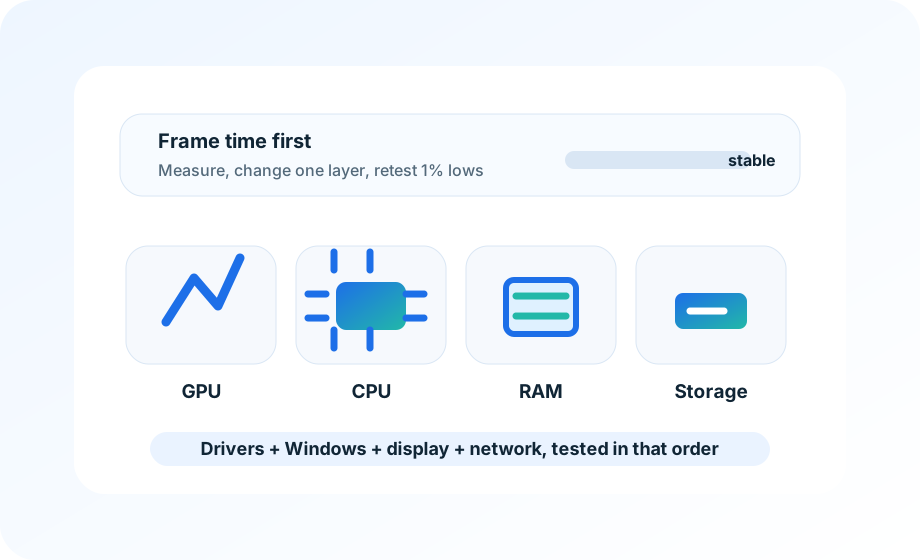
How this page was reviewed
Pages are reviewed around game version, driver version, 1 percent lows, shader behavior, and whether a tweak is reversible.
Reader problem
This page is kept narrow around SSD upgrade guide for gamers for readers who need a practical answer rather than a broad overview.
Decision boundary
The site does not promise universal FPS gains; it shows readers how to isolate likely bottlenecks and avoid risky changes.
Evidence checklist
The draft is checked for capacity planning, PCIe lane fit, heat spreaders, and game install priorities before it is treated as ready for readers.
Refresh trigger
Driver, DLSS/FSR, shader-cache, and Windows game-setting pages get priority after major GPU or game updates.
An SSD upgrade helps when storage is the bottleneck. It does not raise FPS in every game, and it will not fix CPU stutter, shader compilation, or a bad graphics preset. Check the current drive first: free space, drive type, temperature, health, and whether the game is actually installed on the slow disk.
For most gaming PCs in 2026, a 2 TB NVMe drive is the practical sweet spot. It leaves room for Windows, launchers, a few large live-service games, captures, and patch staging. A 1 TB drive can work for a focused library; 4 TB makes sense for large recordings, modded games, or slow internet where reinstalling is painful.
Confirm the current bottleneck
Use Task Manager, Resource Monitor, or the drive vendor tool while repeating the same loading sequence. If disk active time spikes during traversal stutter, texture streaming, or level loads, storage may be part of the issue. If the drive is quiet while frame time spikes, buying a faster SSD is probably not the first fix.
Also check free space. Many SSDs behave worse when nearly full. Clearing space or moving captures can improve consistency before any hardware purchase.
Match the drive to the motherboard
Check the motherboard manual before buying. Some M.2 slots share lanes with SATA ports, some run through the chipset, and some support only certain lengths. A PCIe 5.0 drive in a slot that runs at PCIe 3.0 is not a disaster, but paying extra for speed the board cannot use is wasteful.
| Use case | Reasonable target | Watch out for |
|---|---|---|
| Small competitive library | 1 TB NVMe | Running near full after updates |
| Mixed AAA library | 2 TB NVMe | Motherboard slot speed and heatsink clearance |
| Captures and mods | 4 TB NVMe or second drive | Price per TB and backup plan |
| Older SATA-only PC | Good SATA SSD | Expect faster loads, not more FPS |
Heatsinks matter only in the right cases
High-end NVMe drives can throttle under long writes, big installs, or heavy capture work. For normal game loading, many drives are fine with the motherboard heatsink. Check clearance under the GPU before buying a tall heatsink.
After installation, update firmware if the vendor recommends it, confirm the drive appears at the expected link speed, move one game, and compare load behavior before migrating the entire library.
Rollback notes
Keep the old drive intact until the new install is verified. Do not wipe it the same day you clone or move Windows. A boring backup is worth more than a benchmark screenshot when a launcher path, save folder, or boot entry goes missing.
Confirm the bottleneck before buying
An SSD upgrade helps most when the current drive is full, overheating, slow under sustained reads, or causing asset streaming stalls. Slot speed and heatsink clearance should be checked first.
This note was added to make the recommendation easier to verify in a real setting, not just easier to scan. Readers should be able to repeat the check, keep the result, and avoid a purchase or setting change that does not solve the stated problem.
Site policies and support
If you need a correction, policy clarification, or privacy answer, use the contact and policy pages linked below. They remain accessible from every page on the site.